CCTV systems in Erskine Park
Assess camera detail at dock doors and personnel entrances. Test typical truck positions and lighting changes at shift start.
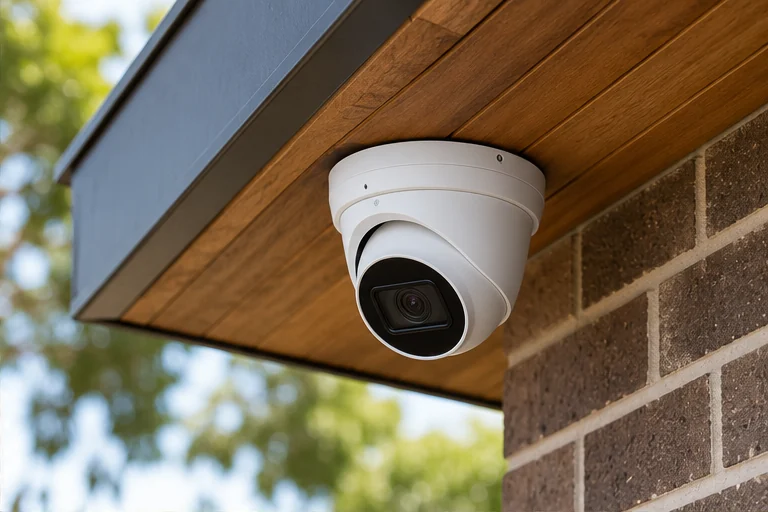
Planning cctv in Erskine Park
What the recording needs to show
Work from the required recording and export process. Discuss how much footage supervisors need and test usability at docks, personnel entries and secure stock areas. At a warehouse with receiving, office and secured stock areas, start with the dock approach with a truck in the normal unloading position. Write down whether you need to establish that someone passed, recognise a face, read an identifying feature or reconstruct an interaction. These jobs need different framing. A useful site sketch would also mark the personnel entrance and the route between dispatch and secured stock. Take a still from each proposed angle with a person in the scene. If two views capture the same movement but neither shows what happens next, shift a view before increasing the camera count.
Test the scene the way it gets used
Set up a trial around an overtime shift while the office is left secured. Record the same route in daylight and under the normal evening lights, then play back a moving subject rather than pausing on the sharpest frame. Note any faces disappearing into shadow or washing out against windows and headlights. Allow space for objects that move in normal use, such as parked vehicles, open doors and equipment. If a view works only when the area is empty, decide whether you need to move that camera or give the obstructed point a separate view.
Choose where alerts help
On compatible cameras, a motion or person alert can use a defined detection area. For Erskine Park, start testing around the dock approach with a truck in the normal unloading position, using the same approach direction you marked on the sketch. Ask a person to pass across the edge of the area and then enter it. Review what the app reports and what the recorder actually saved. Ask whether the camera should record continuously, mark events within continuous footage, or record on events alone. Decide which user should receive alerts and when, especially if normal traffic carries on after hours.
Ask the person who deals with incidents
At a warehouse with receiving, office and secured stock areas, the person buying the cameras may have a different job from the person who retrieves footage. Have the shift supervisor nominate a real review task around the personnel entrance and the route between dispatch and secured stock. Agree where clips are handed over, who authorises an export and whether the process can still be run when the usual manager is off duty.
Work out cabling and storage together
Photograph the current recorder and access points before a quote. If the personnel entrance and the route between dispatch and secured stock are in different rooms or buildings, ask how each cable would reach the recorder, where network or power equipment would sit, and where conduit would be visible. Reuse depends on cable condition and compatibility. Ask the installer to explain the expected retention for the proposed camera count and recording settings. Anchor it to when you would normally discover a problem. A site that closes for several days may need to review further back than a site checked every morning.
Agree who can retrieve a clip
Use a test recording of an overtime shift while the office is left secured for the handover. Have the person who would normally investigate find it by date and time, export a short clip and play it on a second device. Check the recorder time and timezone and ask how to export a slightly longer sequence if movement crosses fields of view. If more than one person has app access, assign separately managed accounts where supported and decide who can remove old access. Discuss privacy around neighbouring entrances and shared spaces before settling on final framing and account permissions.
Put the required views in the quote
Bring a photo showing the dock approach with a truck in the normal unloading position, a rough plan of the adjacent areas and, for an upgrade, a still from the existing system. Ask the quote to identify the purpose of each view, expected storage, how you will review footage, and any assumptions about cabling or site access. Confirm who will be responsible for internet access and app setup if remote viewing is important. Run a sample footage export from the loading dock and personnel entry. Check whether the clip duration and detail match how incidents will be investigated. If the test misses its intended result, agree what adjustment to try before signing off.
Installation overview
Other security services in Erskine Park
CCTV in other suburbs
Talk to us about cctv in Erskine Park
Tell us what you need to see, when the area is used and whether there is a recorder or cabling in place.